Validate Model Training Results
In this section, we will learn how to validate training results to ensure that the model has been successfully trained and is of good quality before deploying to production. This is a very important step in the ML pipeline process because it helps you evaluate the quality of the model, check the output and decide whether to deploy or need to re-tune the data/hyperparameters.
🎯 Objectives
- Check the status of the training job in SageMaker.
- Analyze the log and output of the training process.
- Evaluate the metrics (accuracy, F1, AUC…) of the model.
- Validate the output model file before putting it into the Model Registry or deploying.
📊 1. Check Training Job Status
Go to AWS Management Console → Amazon SageMaker → Training jobs to see the list of training jobs created in step 5.2 – Create Training Job.
- The Status column will display the status:
- ✅
Completed– Completed successfully. - ❌
Failed– Training failed (check log). - 🕐
InProgress– Training in progress.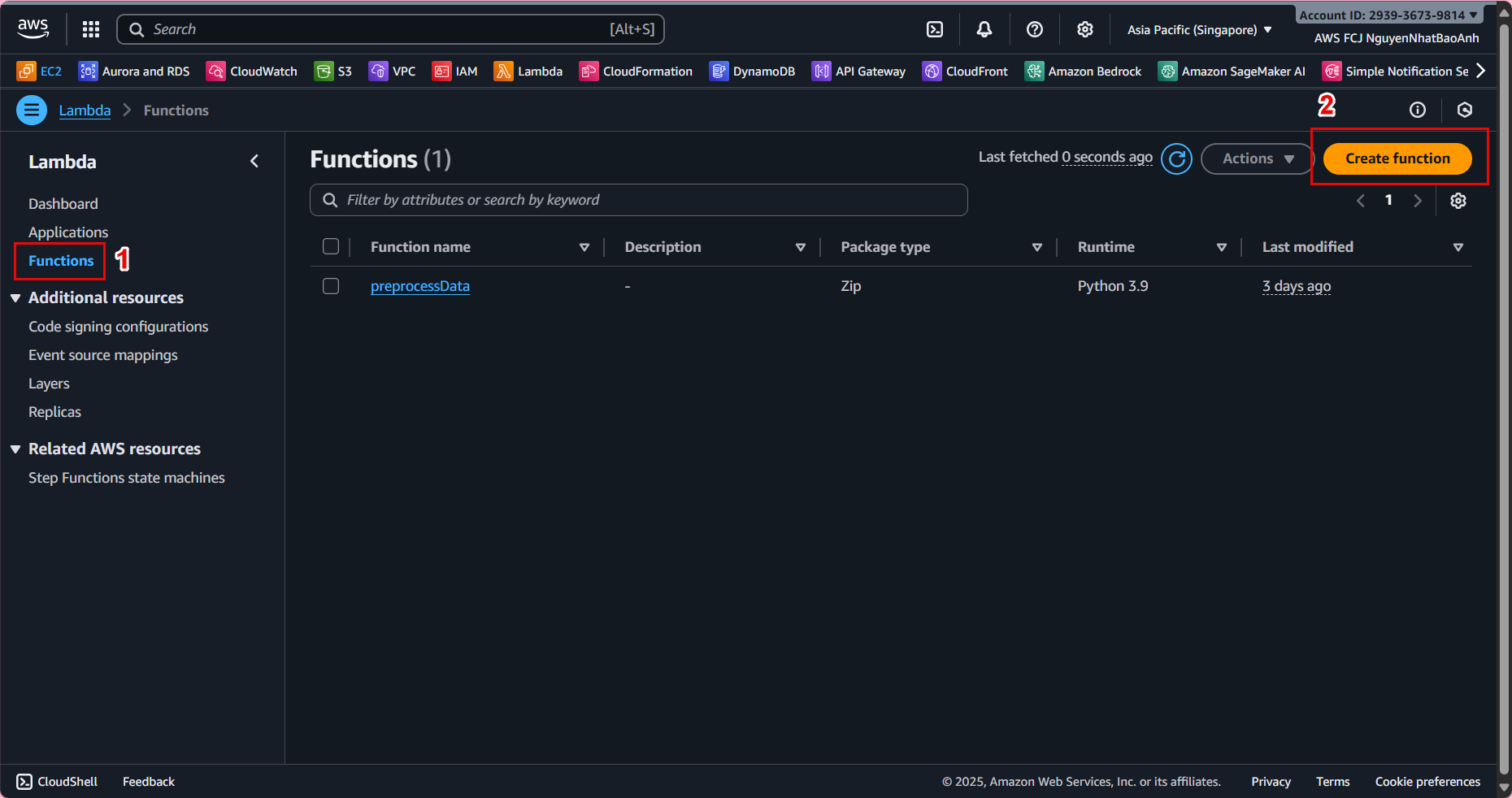
If the status is Failed, check the CloudWatch logs to determine the cause (e.g., S3 permission error, training script code error, or missing data).
📁 2. Check the Model Output in S3
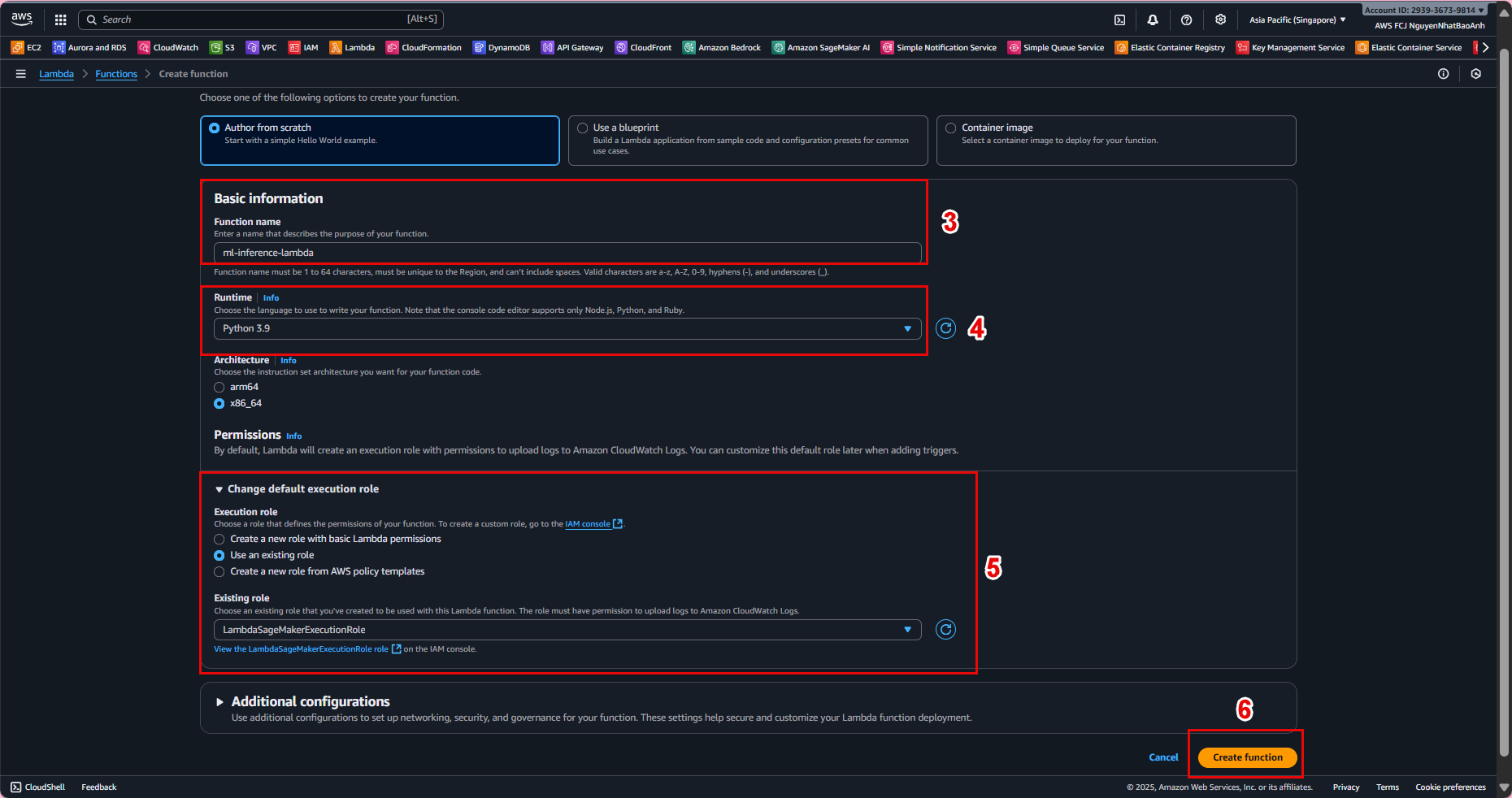
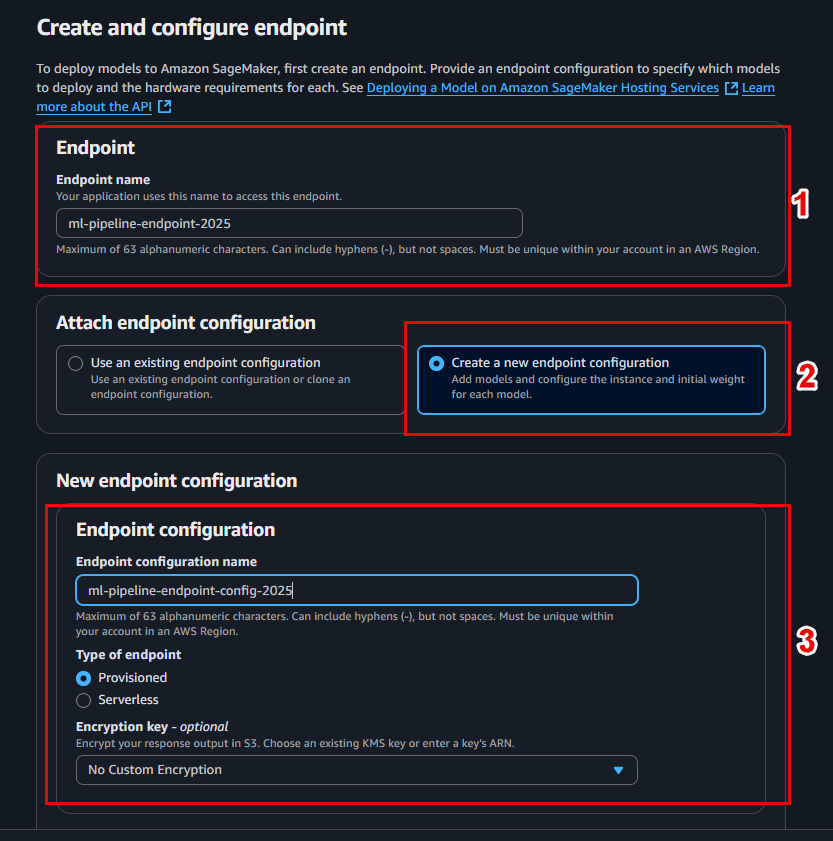
After successful training, SageMaker will save the model to S3 at the path you specified: s3://ml-pipeline-bucket/model/model.tar.gz
-
model.tar.gzcontains the serialized model (e.g., pickle, joblib, or framework format like TensorFlow SavedModel). -
You can download this file to your computer and check the structure to ensure the content is valid.

📜 3. Analyze logs in CloudWatch
-
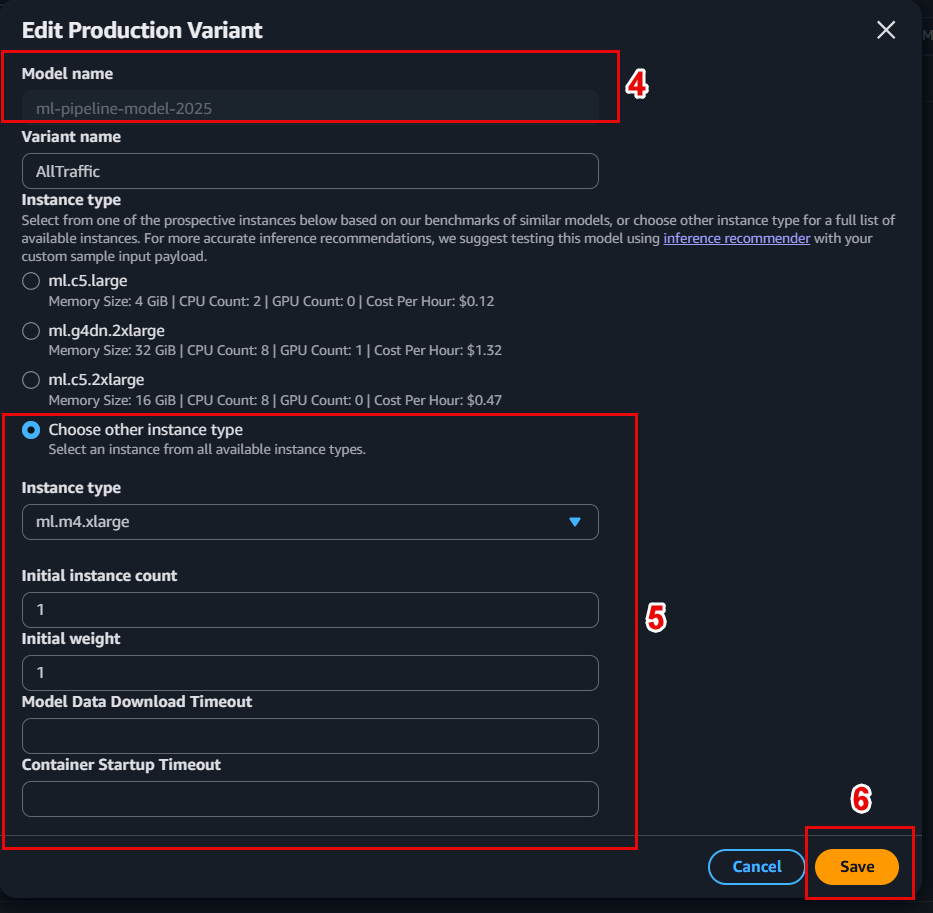
Go to CloudWatch Logs → Log groups → find the log group corresponding to the training job.
-
View the log output from the training script - you will see information like:
[INFO] Training accuracy: 0.912
[INFO] Validation accuracy: 0.905
[INFO] Model saved to /opt/ml/model/
📌 If you write metrics to stdout or save to /opt/ml/output/metrics.json, SageMaker will automatically collect them to display in the interface.
📈 4. Evaluate training metrics
Metrics are the main measure to decide whether the model can be put into production or not.
Some common metrics:
| Metric | Significance |
|---|---|
| Accuracy | Ratio of correct predictions to total samples. |
| Precision | Accuracy when the model predicts Positive. |
| Recall | Ability to detect all Positive cases. |
| F1-Score | Harmonic average between Precision and Recall. |
| AUC-ROC | Ability to discriminate between classes. |
You should set a minimum threshold for these metrics (e.g. Accuracy > 0.90) to automatically approve or reject the model before registration.
🔬 5. Validate the model’s correctness
- Check if the model can be loaded and inferenced locally:
import joblib
model = joblib.load("model.tar.gz")
print(model.predict([[5.1, 3.5, 1.4, 0.2]]))
-
If using TensorFlow/PyTorch, check with the load_model() or torch.load() function.
-
If the model cannot be loaded, the training script may not have saved the model in the correct format.
✅ 6. Evaluate and Decide
Based on the validation results, you can make the following decisions:
-
✅ If the model meets the requirements → Continue registering to the Model Registry or deploying.
-
⚠️ If the model is not good enough → Adjust data, hyperparameters or model → retrain.
-
📊 Example of evaluation results:
| Metric | Value | Required threshold | Conclusion |
|---|---|---|---|
| Accuracy | 0.912 | >0.90 | ✅ Passed |
| Precision | 0.908 | >0.85 | ✅ Passed |
| Recall | 0.901 | >0.85 | ✅ Passed |
| F1-Score | 0.905 | >0.85 | ✅ Passed |
 |
🎉 Done
- You have successfully validated the model training results in SageMaker
- This is an important step to ensure quality before the model is registered and deployed.